Transform Your Photos with 40+ Free Photoshop Actions in 2026
As a designer, photographer, or digital artist, you likely spend countless hours in Photoshop perfecting your images. Whether you’re editing client photos or working on your own creative projects, applying consistent effects across multiple images can be time-consuming. This is where Photoshop actions become invaluable—they automate repetitive tasks and help you achieve professional results in seconds.
In this comprehensive guide, we’ve curated over 40 free Photoshop action packs that will revolutionize your photo editing workflow. From nostalgic vintage looks to modern cinematic effects, these free resources will give you the power to create stunning visuals without spending hours on each image.
Nostalgic Photoshop Actions: Vintage & Retro Effects

Create timeless memories with these vintage-style Photoshop actions. Perfect for adding character to your photographs.
Old & Dirty Photoshop Action
Transform your modern photos into vintage masterpieces with this free action. It converts color images to black and white and applies a subtle aged effect.
Key Features:
- One-click vintage transformation
- Works with Photoshop and Lightroom
- Non-destructive editing
- Customizable intensity
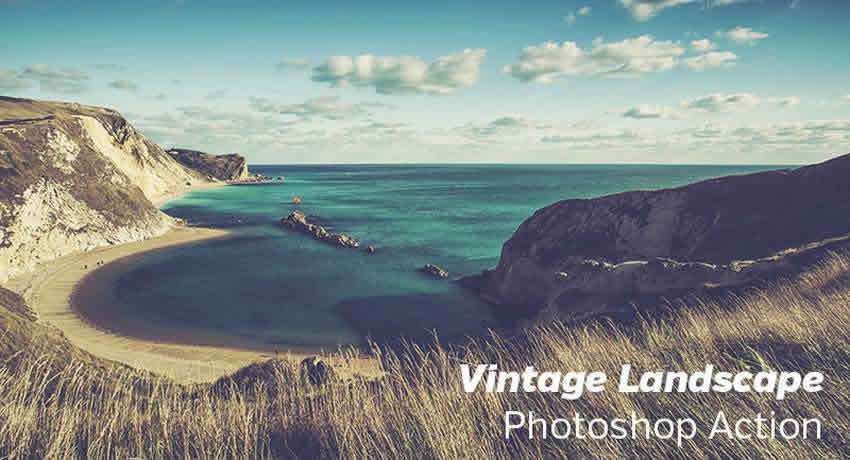
Vintage Landscape Photoshop Action
Specifically designed for landscape photography, this action gives your outdoor shots a beautiful retro appearance.
Key Features:
- Optimized for nature photography
- Subtle color grading
- Film-like grain texture
- Quick application
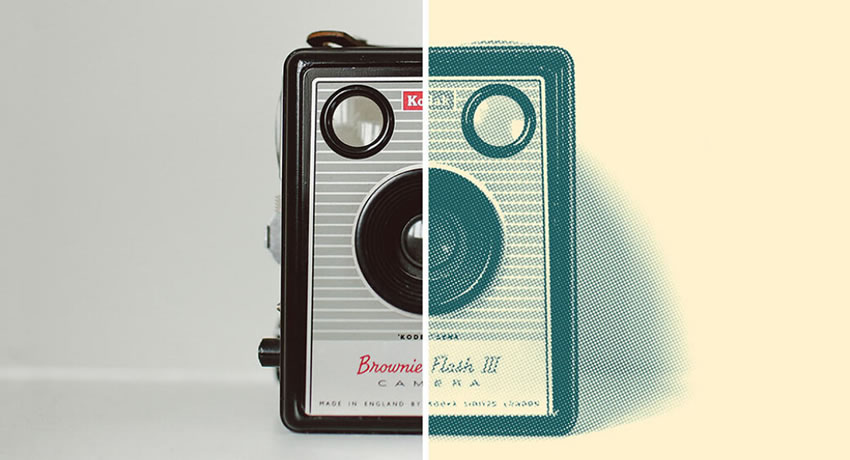
Retro Engraving Photoshop Action
Create unique artistic effects that replicate vintage engraved illustrations with intricate line textures.
Key Features:
- Detailed line-based textures
- Glitchy aesthetic
- Perfect for stylized portraits
- High contrast results

Instant Hipster Retro Photoshop Actions
This 10-action pack replicates popular Instagram-style filters for that authentic retro look.
Key Features:
- 10 unique effects
- Instagram-ready results
- Adjustable settings
- Batch processing capable

Vintage Wedding PS Action
Wedding photographers can now add romantic vintage effects to their clients’ special day photos.
Key Features:
- 15 individual actions
- Soft, romantic results
- Professional quality
- Easy to customize
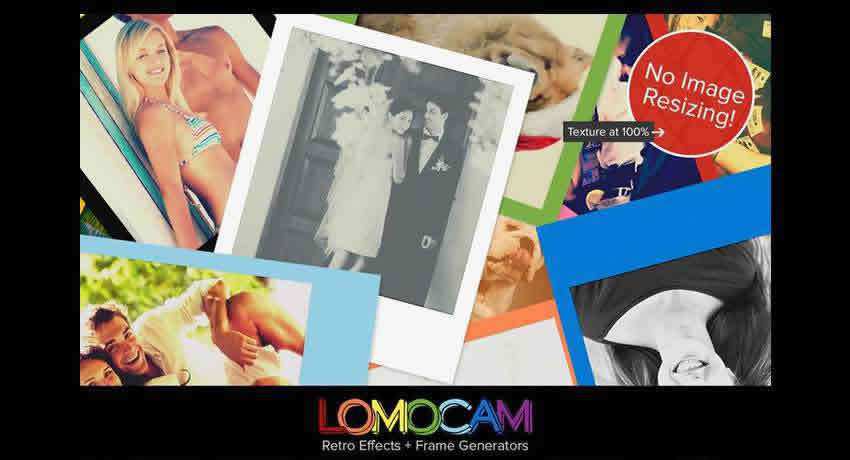
Retro Effects & Polaroid Frame Photoshop Actions
Generate vintage lomo and retro effects instantly with this comprehensive action collection.
Key Features:
- Lomo effects
- Polaroid frame generator
- Vintage color shifts
- Multiple variations
Classic Film Effect Photoshop Actions
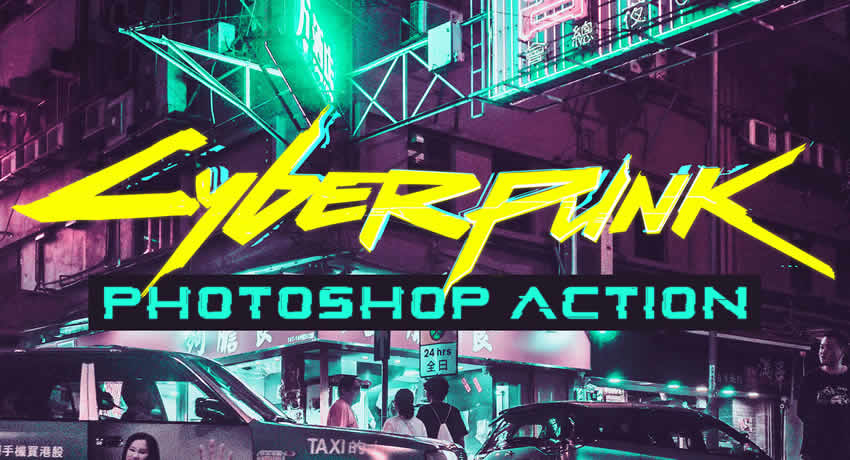
Bring the futuristic cyberpunk aesthetic to your photos with this dramatic action.
Key Features:
- Neon color effects
- Sci-tech elements
- High contrast visuals
- Modern aesthetic
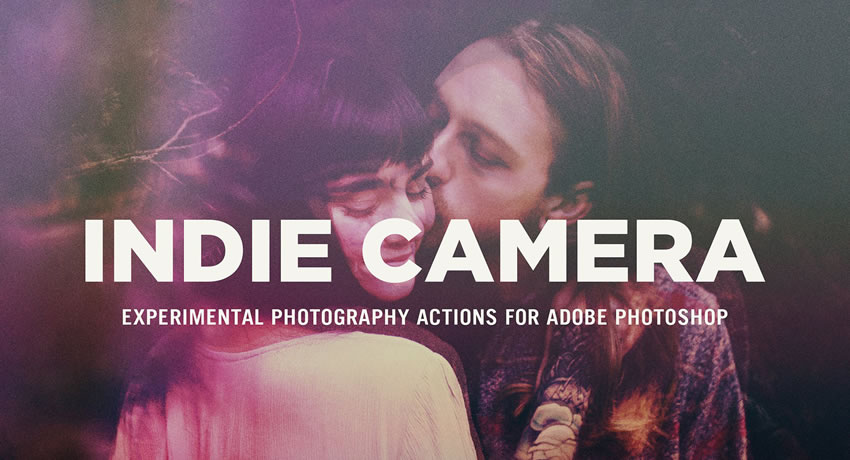
Indie Camera Photoshop Actions
Recreate the charming aesthetic of low-fi indie film cameras with soft contrast and light leaks.
Key Features:
- Soft contrast effects
- Subtle color shifts
- Light leak overlays
- Dreamy aesthetic
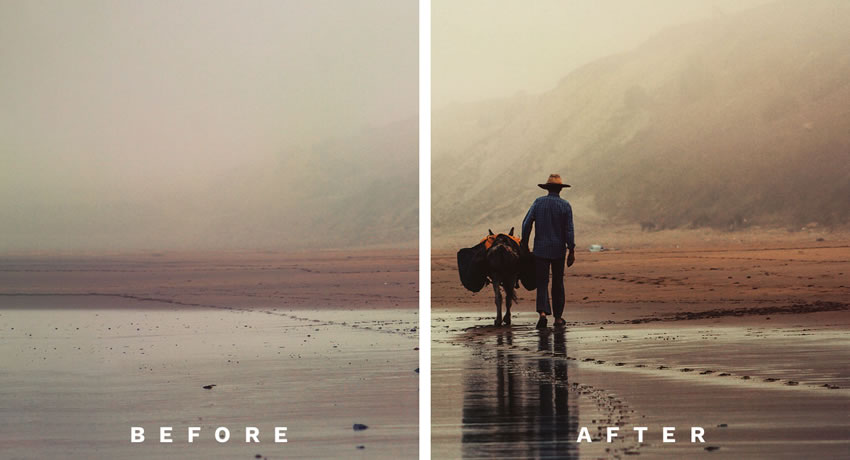
Film-Inspired Photoshop Actions
Add grainy, soft tones with mild contrast shifts for a dreamy, nostalgic film-like appearance.
Key Features:
- Film grain texture
- Soft contrast
- Perfect for portraits
- Vintage feel
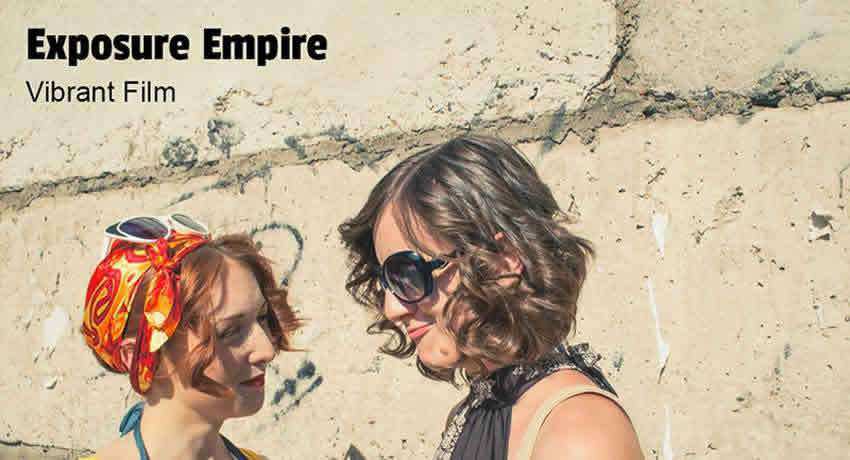
Vibrant Film Photoshop Action
Create stunning vintage effects with brilliant, vibrant colors that pop.
Key Features:
- Enhanced color vibrancy
- Vintage film look
- Photoshop and Lightroom compatible
- Non-destructive
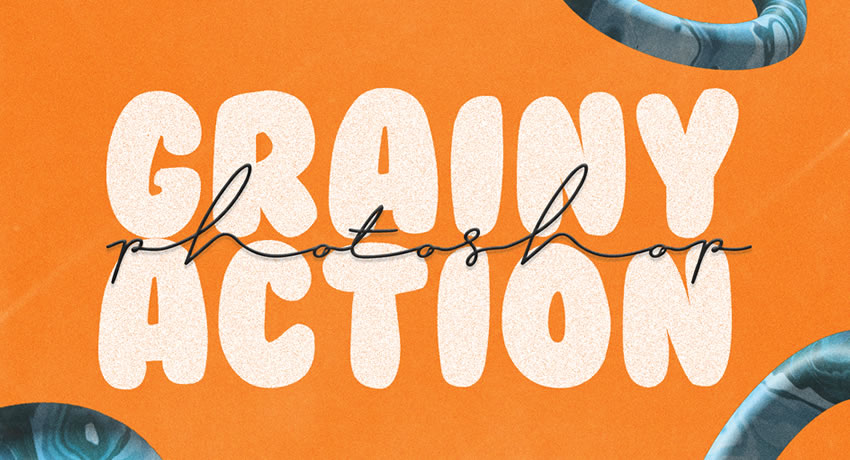
Simple Grainy Photoshop Action
Add a fine layer of digital noise for a textured, gritty aesthetic.
Key Features:
- Adjustable grain intensity
- Professional texture
- Quick application
- Subtle effects
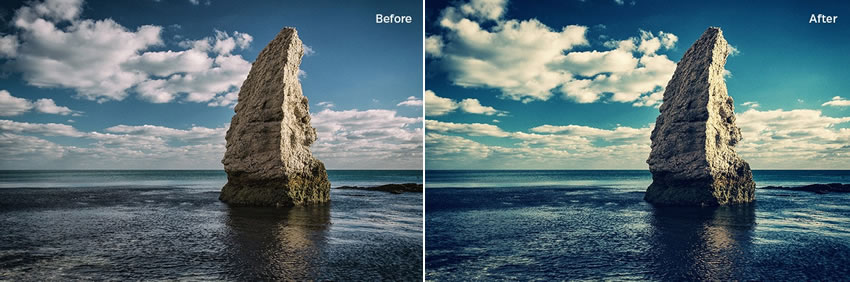
Cross Processed Photoshop Action
Replicate the unique look of film developed with wrong chemicals for experimental results.
Key Features:
- High contrast effects
- Irregular color shifts
- Retro feel
- Unique results
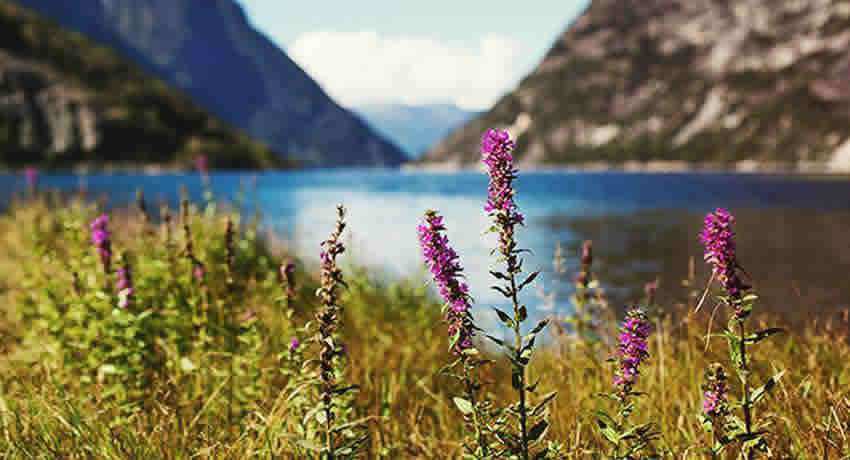
Film Effect Photoshop Action
Make your colors pop with this non-destructive film effect action.
Key Features:
- Enhanced color saturation
- Non-destructive editing
- Professional results
- Easy customization
Color Effect Photoshop Actions
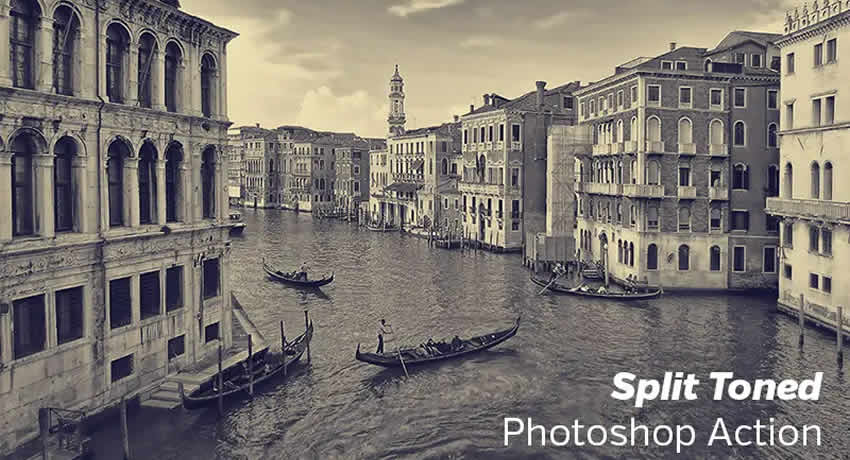
Split-Toned Photoshop Action
Apply vintage-like split-toning effects that adjust shadows and highlights differently.
Key Features:
- Color separation
- Vintage aesthetics
- Adjustable tones
- Creative effects
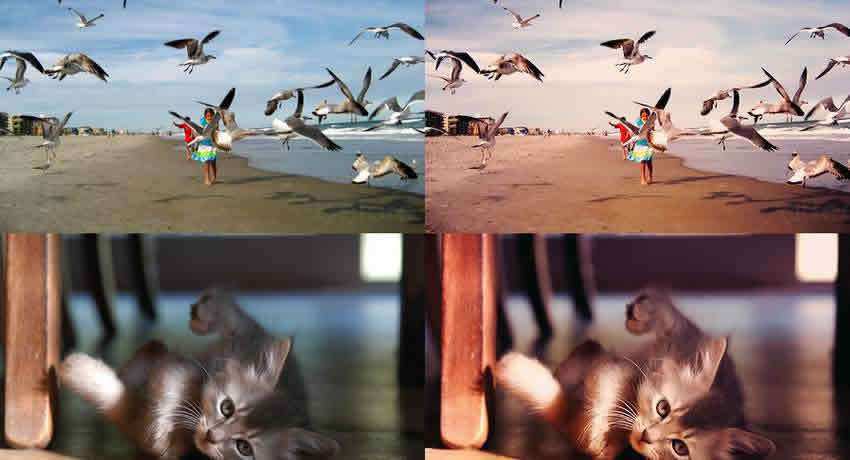
Photoshop Crimson Shimmer Action
Add a subtle crimson touch to make your photos stand out from the crowd.
Key Features:
- Red color accents
- Elegant results
- Easy to adjust
- Professional finish
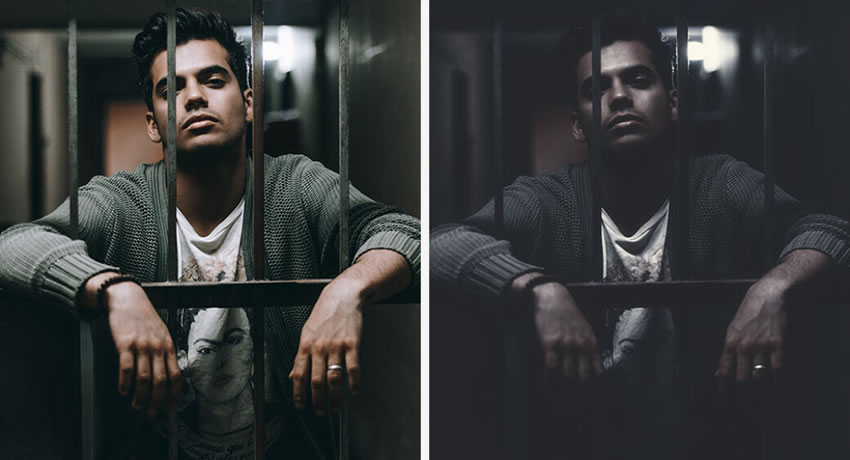
Dark Mood Photoshop Action
Create dramatic, atmospheric photos with deepened shadows and enhanced contrast.
Key Features:
- Moody atmosphere
- Deep shadows
- High contrast
- Dramatic results

Honey Photoshop Action
Perfect for food photography, this action adds a warm, golden glow.
Key Features:
- Warm color tones
- Food-friendly effects
- Non-destructive
- Adjustable settings
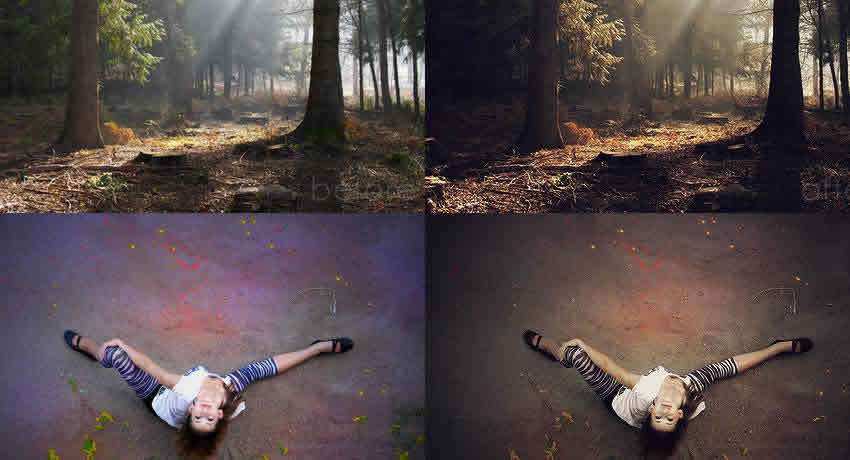
Copper Photoshop Actions
Apply an elegant copper tone to your photos for a sophisticated look.
Key Features:
- Metallic tones
- Customizable intensity
- Professional results
- Unique aesthetic
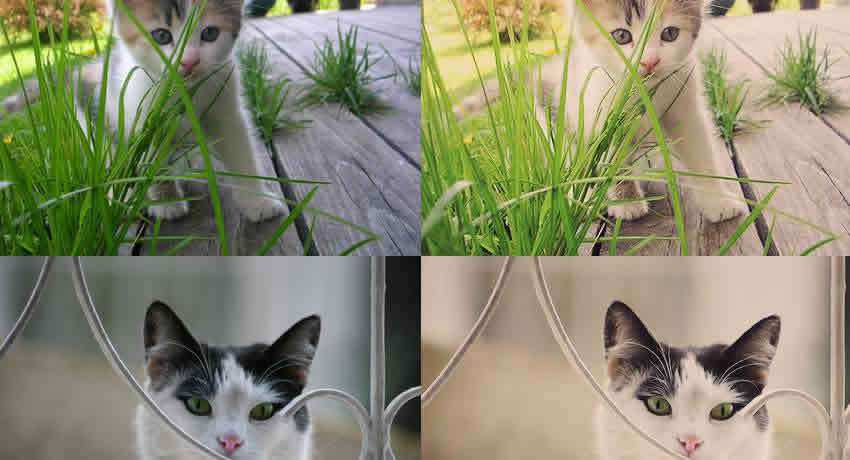
Creamy Photoshop Actions
Achieve a soft, pastel-like look perfect for portrait and outdoor photography.
Key Features:
- Soft appearance
- Pastel effects
- Ideal for portraits
- Gentle results
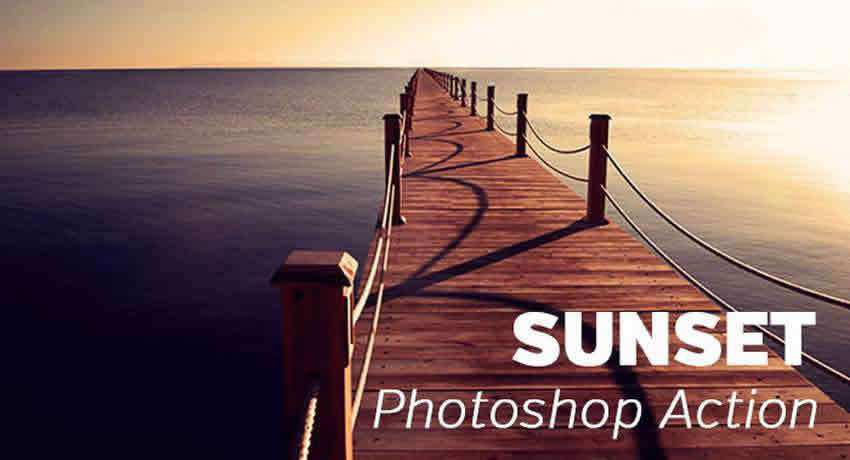
Sunset Photoshop Action
Enhance your sunset photos or add warm golden tones to any image.
Key Features:
- Golden hour effect
- Warm tones
- Nature optimized
- Stunning results
Special Effects Photoshop Actions
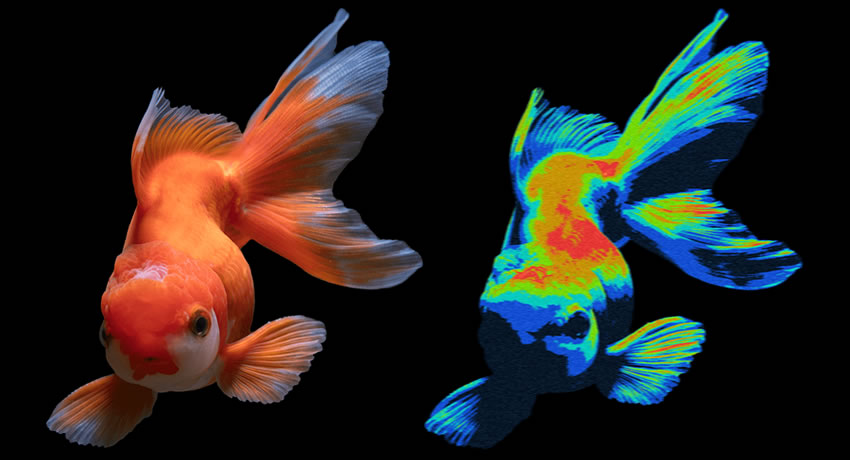
Heatmap Photoshop Action
Apply bold, surreal thermal imaging color gradients to your photos.
Key Features:
- Thermal imaging look
- Bold colors
- Unique effects
- Artistic results
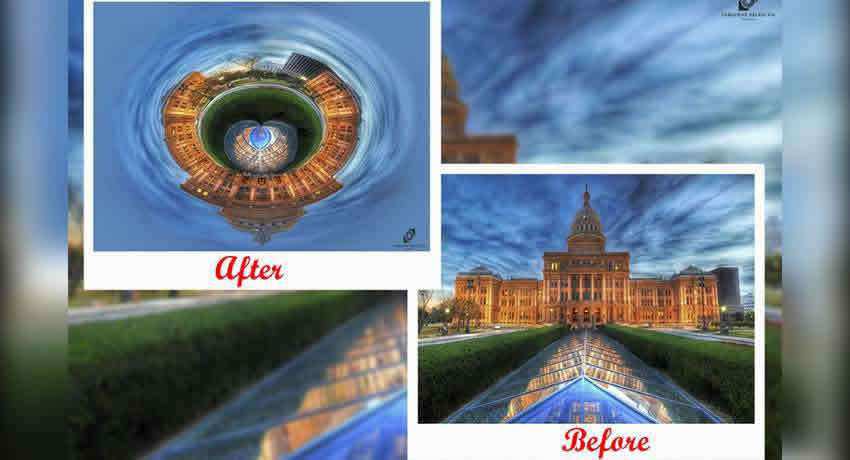
Create Tiny Planets Photoshop Action
Transform any photo into a tiny planet with this creative action.
Key Features:
- Creative distortion
- Unique perspective
- One-click result
- Fun effects
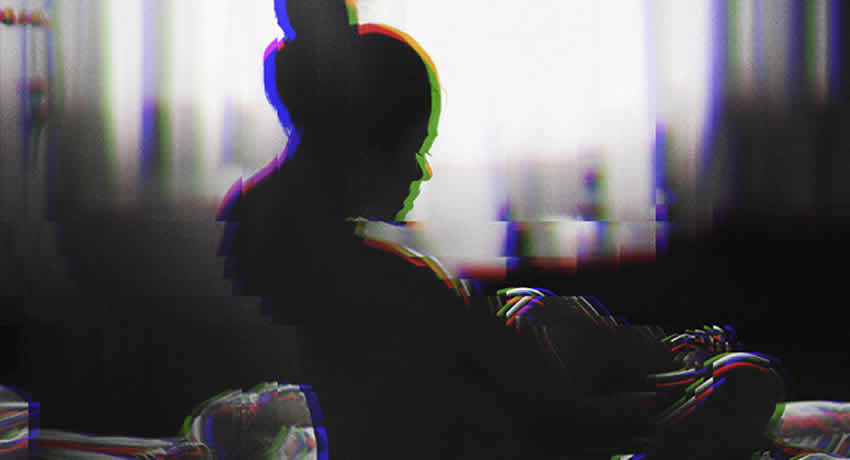
Corrupted VHS Photoshop Action
Give your photos a distinctive vintage VHS tape appearance.
Key Features:
- Retro VHS effects
- Glitch aesthetics
- Unique appearance
- Nostalgic results
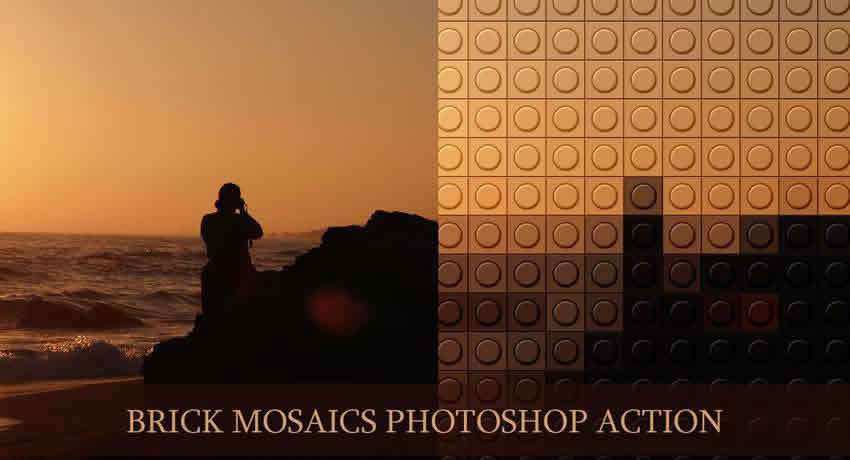
Brick Mosaics Photoshop Actions
Turn your photos into fun mosaic artwork with 10 unique actions.
Key Features:
- 10 mosaic styles
- Creative transformations
- Unique patterns
- Artistic effects
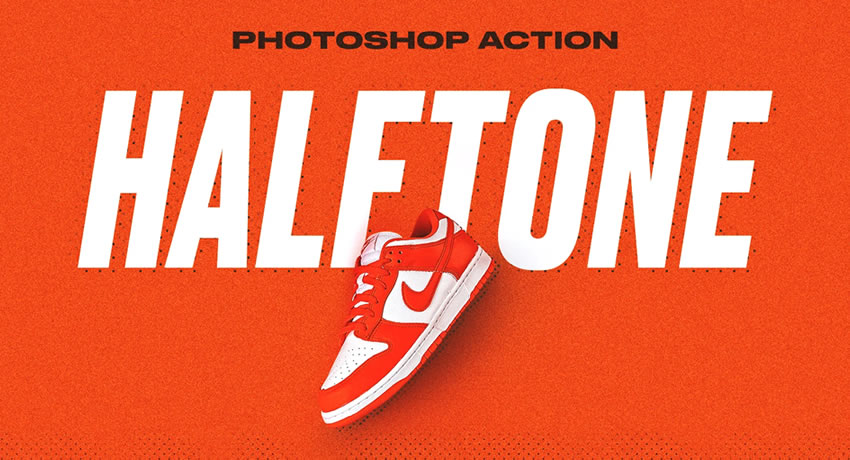
Simple Halftone Photoshop Action Set
Create comic-book style, pop art, or retro printing effects.
Key Features:
- Dot-based patterns
- Comic style effects
- Retro printing look
- Customizable results
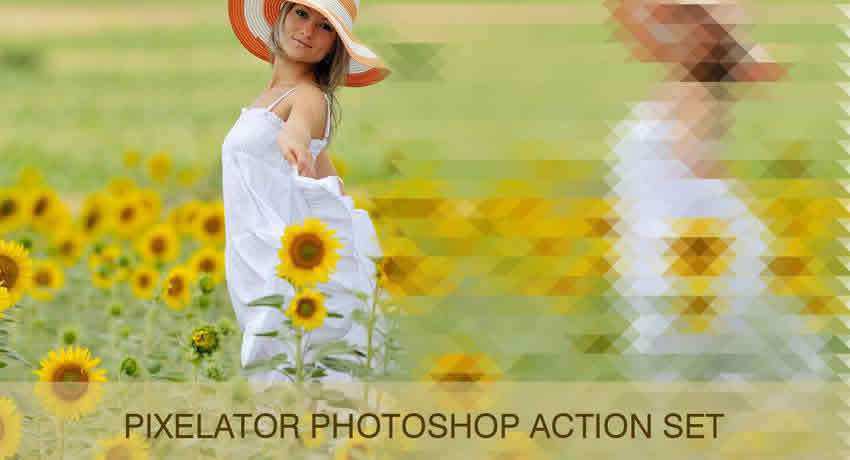
Pixelate Photoshop Actions
Transform photos into pixel art for unique backgrounds and effects.
Key Features:
- Pixel art effects
- Frame styles included
- Unique backgrounds
- Creative results

Dispersion Effect Photoshop Action
Create stunning dispersion effects that make photos appear to be dispersing.
Key Features:
- Particle effects
- Artistic look
- Creative results
- Customizable settings
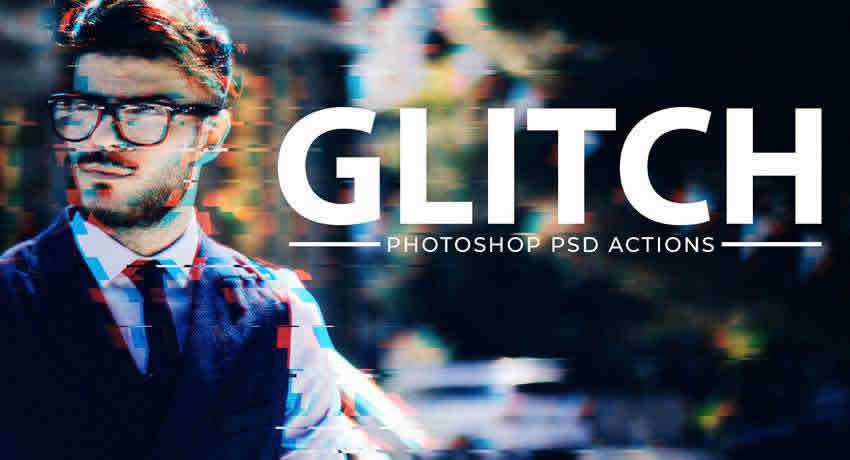
Glitch Effect PSD Photoshop Action Kit
Add subtle glitch effects for an edgy, modern look.
Key Features:
- Glitch aesthetics
- Non-destructive editing
- Adjustable intensity
- Modern effects
HDR Photoshop Actions

HDR Lightroom Preset & Photoshop Action
Expand your photo’s dynamic range with beautiful, bold HDR effects.
Key Features:
- Dynamic range expansion
- Bold effects
- Photoshop and Lightroom
- Professional quality
Warm & Faded Photoshop Actions
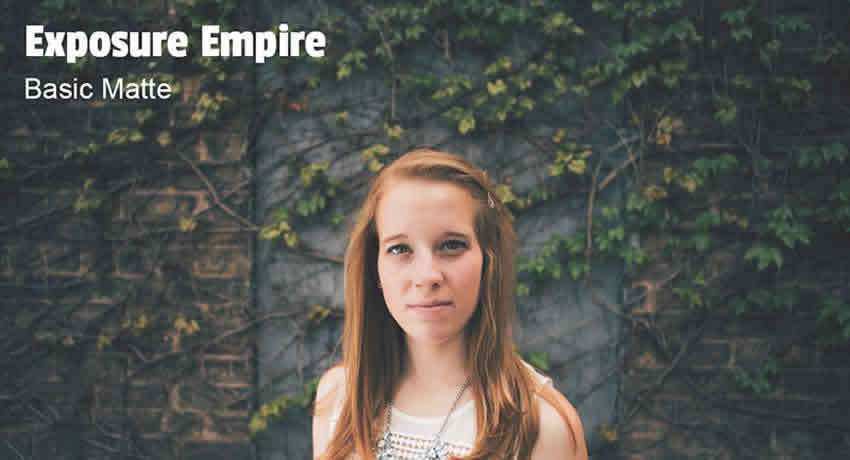
Matte Lightroom Preset & Photoshop Action
Apply subtle matte effects by reducing contrast and adding film-like grain.
Key Features:
- Matte effect
- Film-like grain
- Subtle haze
- Professional look
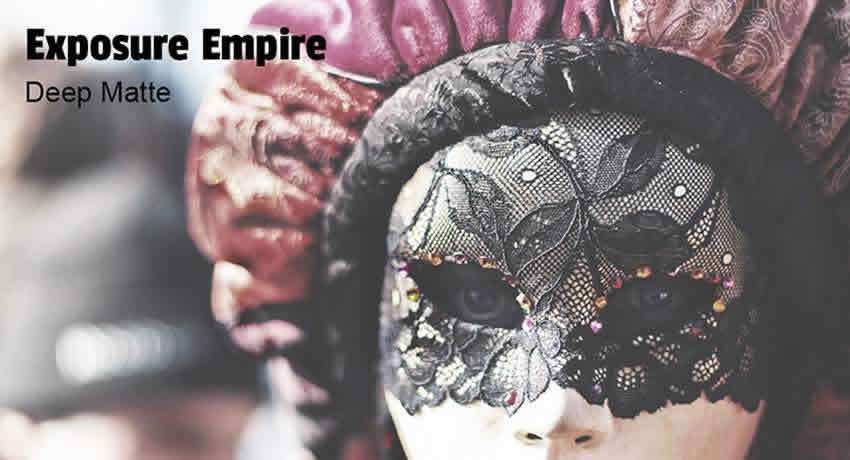
Deep Matte Photoshop Action
For a more dramatic matte look, this action delivers deep, moody results.
Key Features:
- Deep matte effect
- Moody results
- Compatible with Photoshop and Lightroom
- Customizable intensity
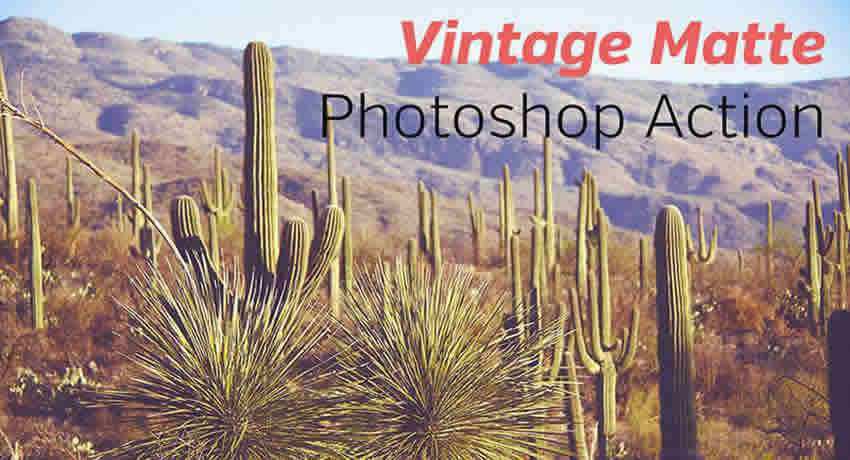
Vintage Matte Photoshop Action
Add lovely vintage effects with non-destructive editing support.
Key Features:
- Vintage matte look
- Non-destructive
- Professional quality
- Easy to use
Light Effect Photoshop Actions
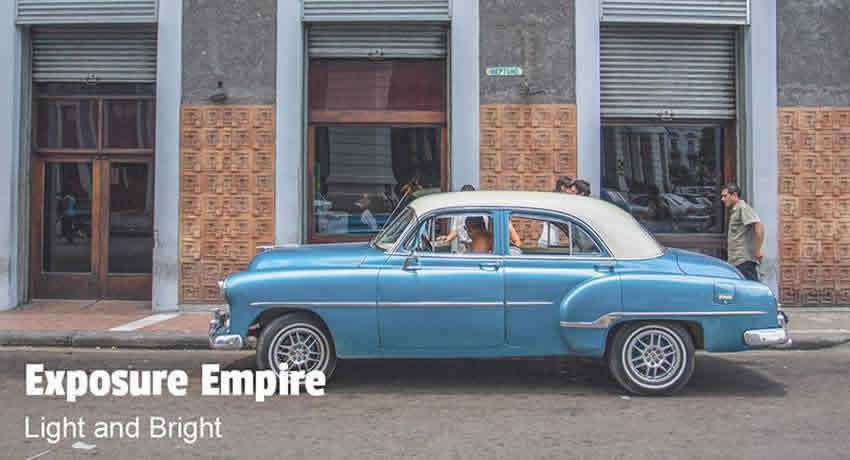
Light & Bright Photoshop Action
Add bright, beautiful light leaks to any photo with non-destructive editing.
Key Features:
- Light leak effects
- Layer-based editing
- Non-destructive
- Adjustable results
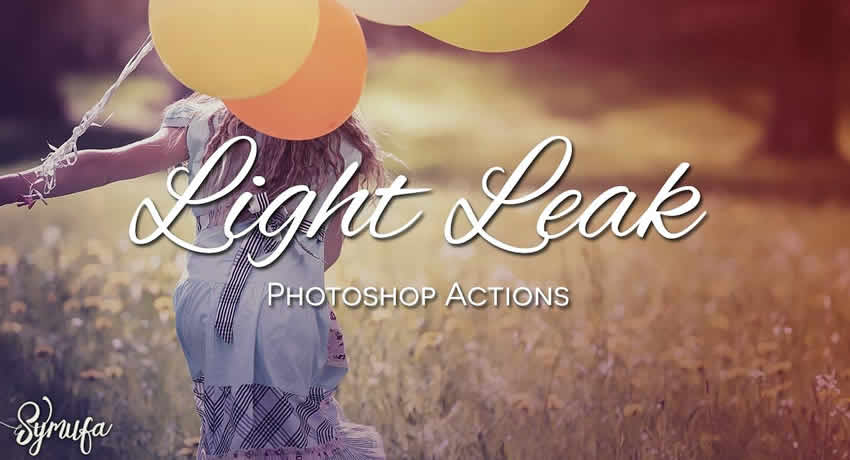
25 Light Leaks Photoshop Actions
This pack includes 25 different light leak effects for endless creativity.
Key Features:
- 25 unique effects
- Various light leak styles
- Creative options
- Professional quality
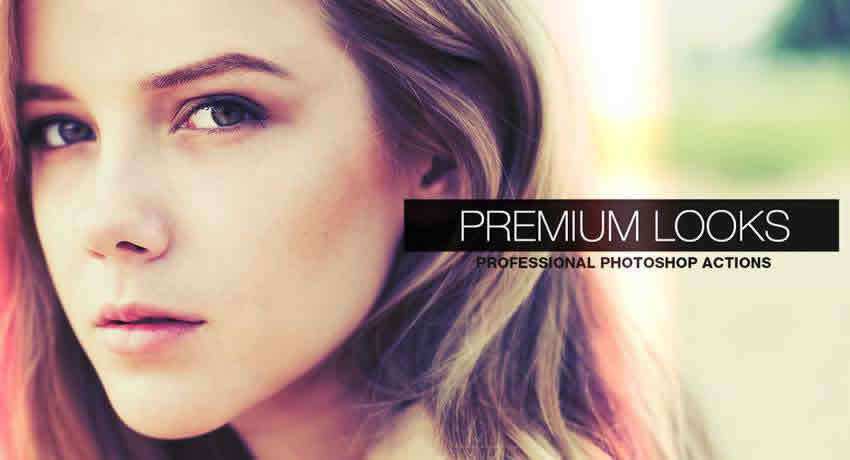
Premium Looks Photoshop Actions
Add class and elegance to portraits with five effects and two light leaks.
Key Features:
- Portrait optimization
- 5 different effects
- 2 light leak overlays
- Combinable results
Golden Hour Photoshop Actions
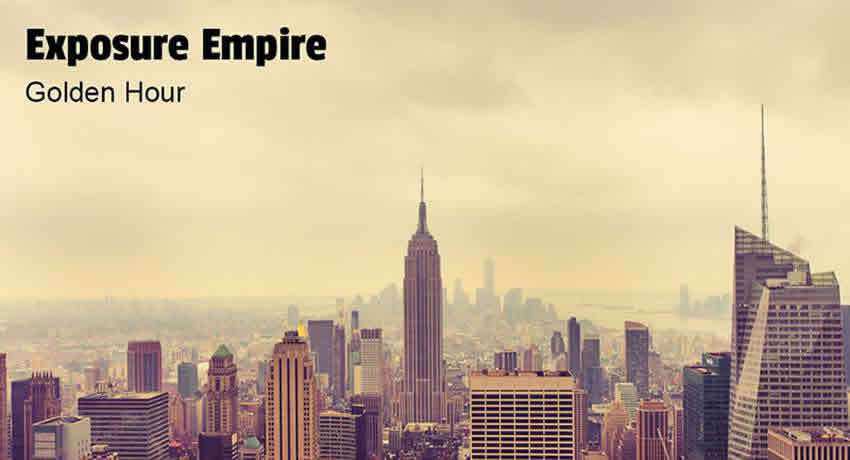
Golden Hour Photoshop Action
Make any photo appear as if taken during the magical golden hour.
Key Features:
- Golden hour effect
- Works with cityscapes and nature
- Warm tones
- Beautiful atmosphere
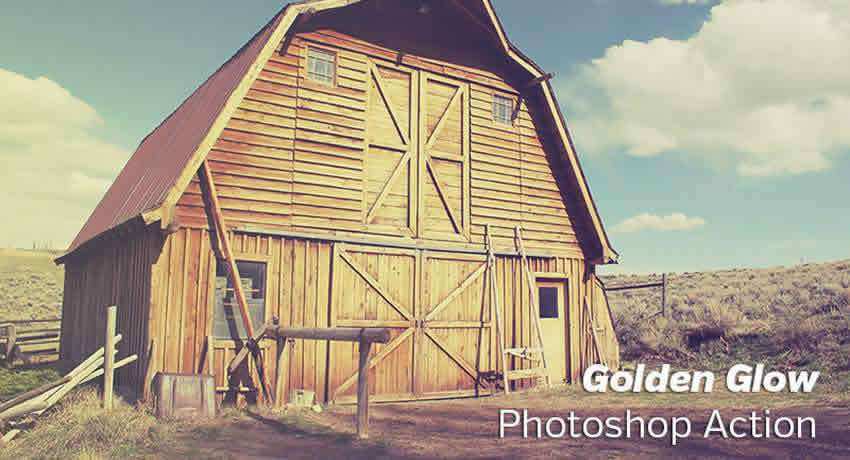
Golden Glow Photoshop Action
Lighten photos and add a golden tint for stunning golden hour results.
Key Features:
- Golden tint
- Light enhancement
- Landscape optimized
- Glowing results
Drawing Effect Photoshop Actions
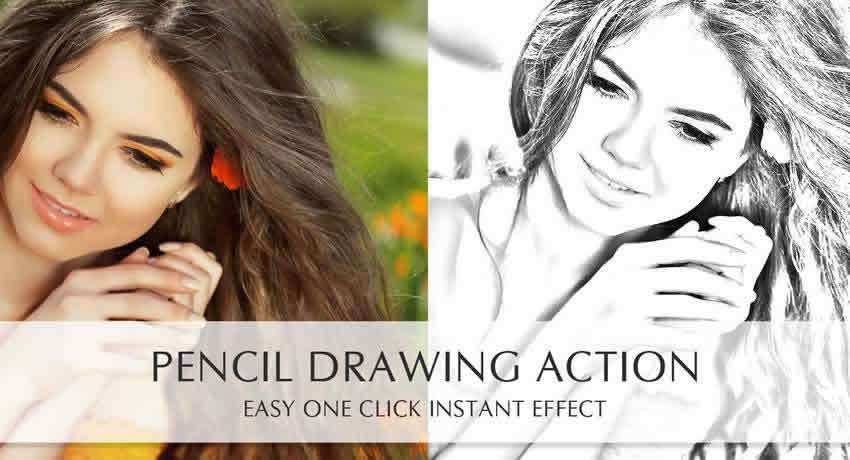
Pencil Drawing Photoshop Action
Transform photos into hand-drawn pencil sketches with non-destructive editing.
Key Features:
- Sketch effects
- Black and white results
- Non-destructive
- Artistic transformation
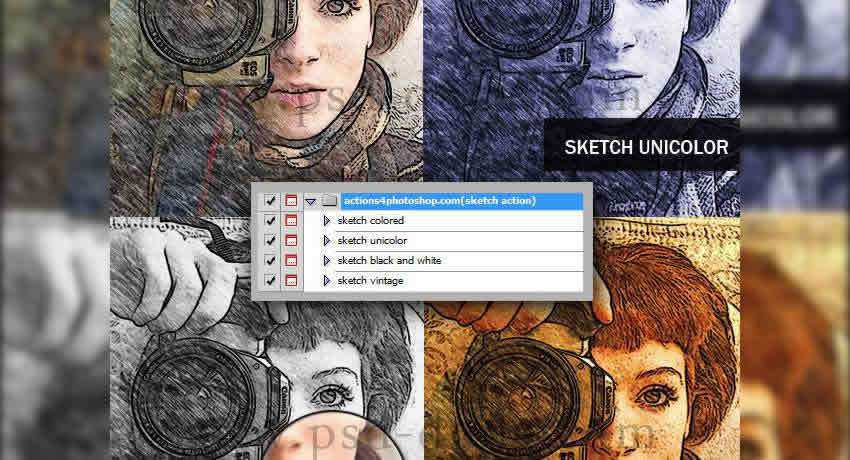
Sketch Photoshop Action
Apply sketch effects with a single click and customize to your liking.
Key Features:
- One-click application
- Adjustable settings
- Multiple variations
- Creative results
Lomo Effects Photoshop Actions
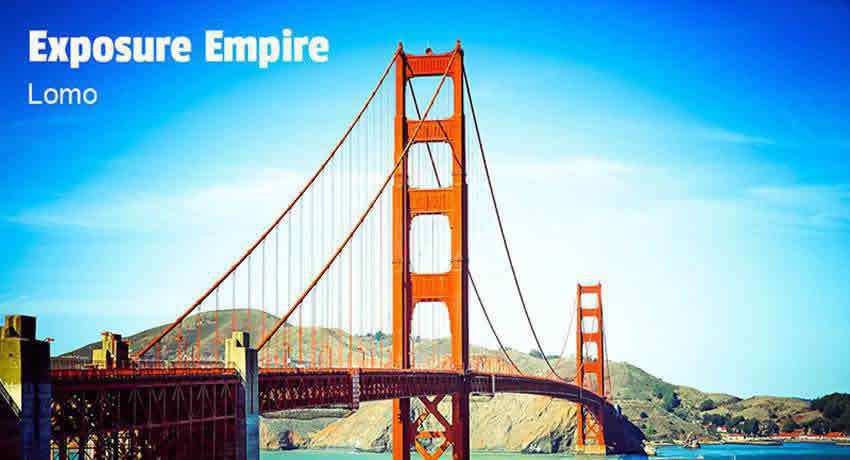
Lomo Photoshop Action
Replicate the popular Lomography camera look with high contrast and vignette effects.
Key Features:
- Lomo camera effects
- High contrast
- Vignette overlays
- Nostalgic results
Watercolor Effect Photoshop Actions
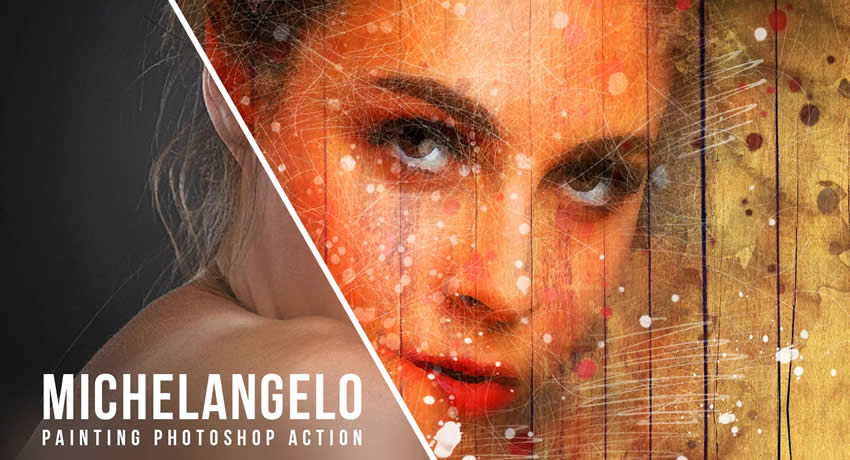
Michelangelo Watercolor Photoshop Action
Transform photos into beautiful watercolor paintings with this artistic action.
Key Features:
- Watercolor effects
- Artistic transformation
- Includes free brushes
- Professional results
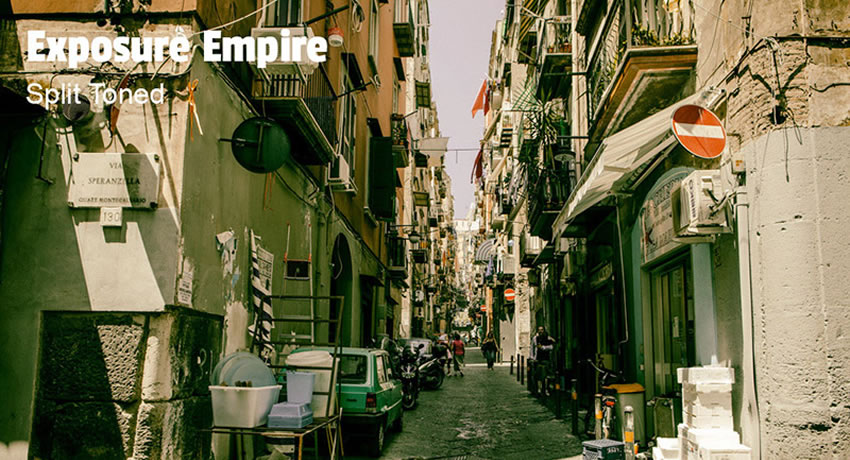
Split Toned Photoshop Action
Apply different color tones to shadows and highlights for moody, cinematic effects.
Key Features:
- Shadow/highlight separation
- Cinematic colors
- Vintage effects
- Customizable tones
How to Install Photoshop Actions
Ready to start using these amazing actions? Here’s how to install them:
Installation Steps:
- Download and unzip the action file
- Launch Photoshop
- Go to
Window>Actions - Select
Load Actionsfrom the menu - Navigate to where you saved the action file
- Select the action file to install
- The action will appear in your Actions panel
Using Actions:
- Find the action in the Actions panel
- Click the triangle to see available actions
- Select your desired action
- Click the play button to apply
How to Create Your Own Photoshop Actions
Want to create personalized actions for your workflow? Follow these steps:
Creating Your Action:
- Open your base image in Photoshop
- Navigate to
Window>Actionsto open the panel - Click the folder icon to create a new action set
- Click the
New Actionbutton (square icon) - Give your action a descriptive name
- Click
Recordto start capturing your steps - Perform the editing steps you want to automate
- Click
Stopwhen finished - Test on another photo by clicking
Play
Saving and Sharing:
- Right-click your action in the panel
- Choose
Save Actions - Select a location and filename
- Your action saves with
.atnextension - Load on other computers via
Load Actions
Conclusion
These free Photoshop actions will transform your photo editing workflow and help you achieve professional results in seconds. Whether you’re looking for vintage nostalgia, cinematic drama, or artistic effects, there’s an action here for every style and project.
Don’t spend hours editing each photo manually—let these automation tools handle the heavy lifting while you focus on being creative. Download your favorites today and start creating stunning visual content!